manage_accounts
My Profile & Settings
Your profile is your showcase. A complete and polished profile attracts many more interactions.
1
Edit your profile and photos
From /user/profile, view your profile as other members see it.
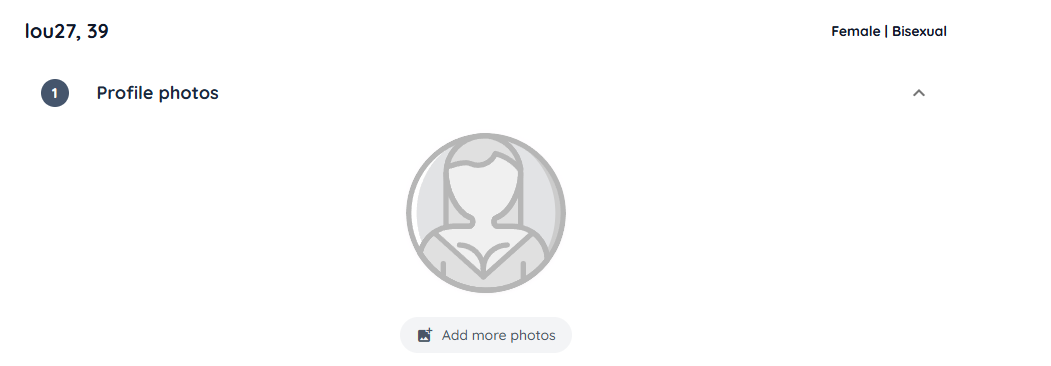
- Make sure your photos are clear and representative.
- Ensure your description is complete.
- Quickly access editing from this page.
2
Edit my information
The Settings page (/user) lets you update all your profile details.
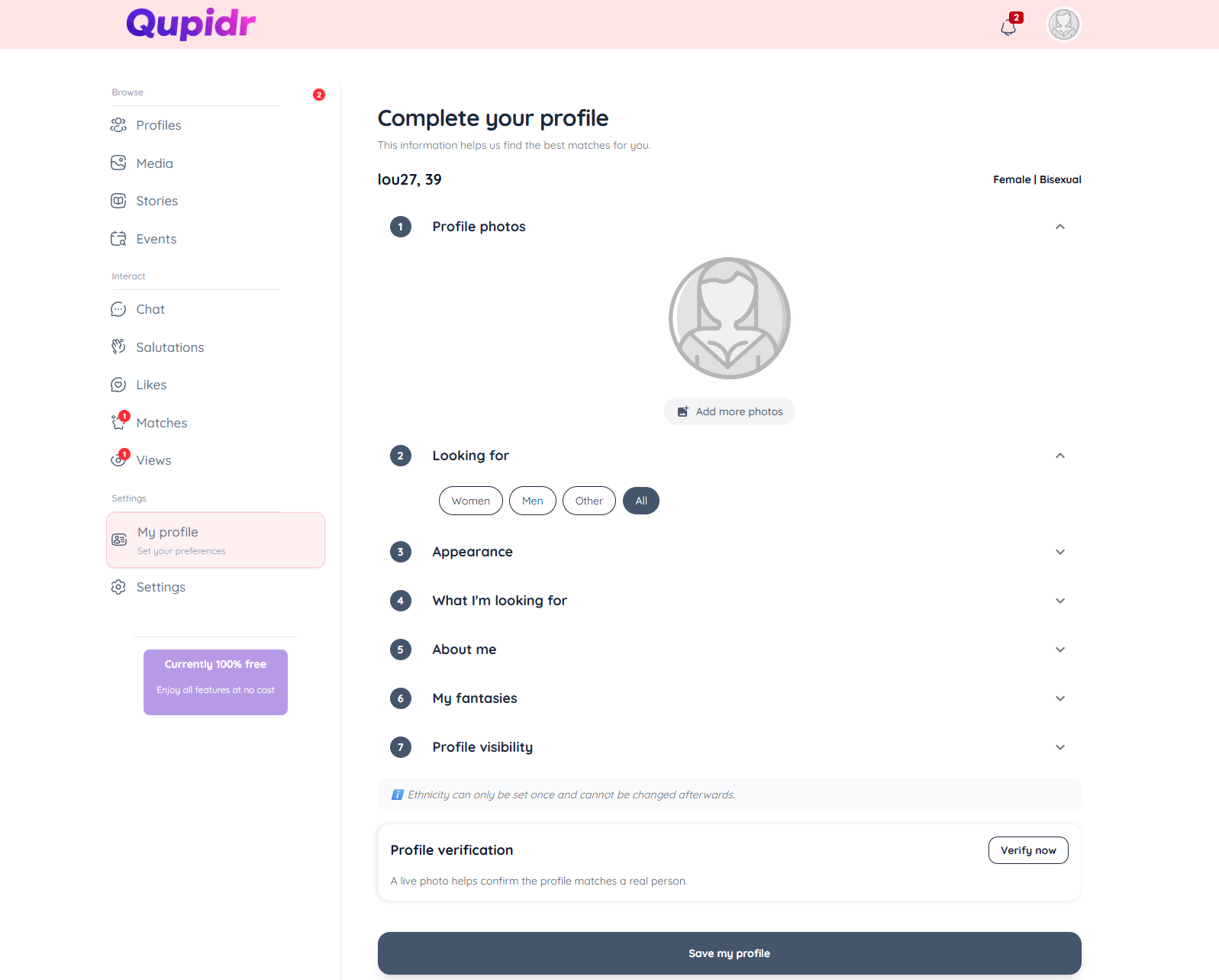
- Basic info: first name, date of birth, gender, orientation.
- Description: tell about yourself and what you are looking for.
- Location: update your city for relevant suggestions.
- Interests: add tags to improve matching.
3
Manage my profile photos
Add, delete or reorder your profile photos.
- The first photo is used as your main profile photo.
- Upload multiple photos to enrich your profile.
- Automatic face detection verifies each photo is valid.
4
Privacy settings
Control what other members can see on your profile.
- Temporarily hide your profile (invisible mode).
- Manage blocked members from your settings.
- Control the types of notifications you receive.
5
Delete my account
Account deletion is permanent and irreversible. It is accessible from the "Account" tab on the Settings page.
- Go to Settings (/user) then open the "Account" tab.
- Scroll down to the "Delete my account" section.
- Click the delete button and confirm your choice in the dialog.
- All your data (profile, photos, conversations, matches) will be permanently deleted.
- This action cannot be undone. Make sure you understand this before confirming.