
person_add
Login & Sign up
Everything starts here. Create your Qupidr account or log back in at any time.
1
Create an account in 5 steps
Go to the registration page from the "Sign up" button on the home page, or via /auth/register.
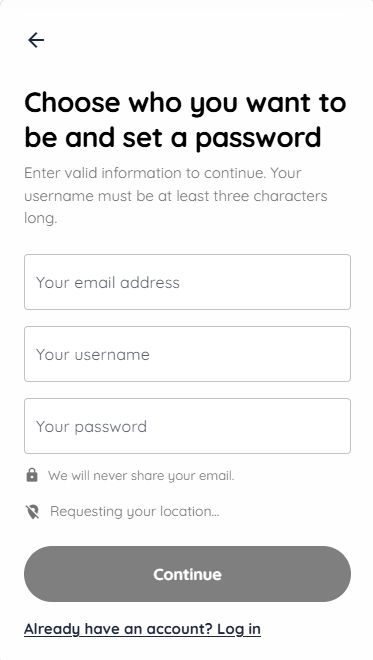
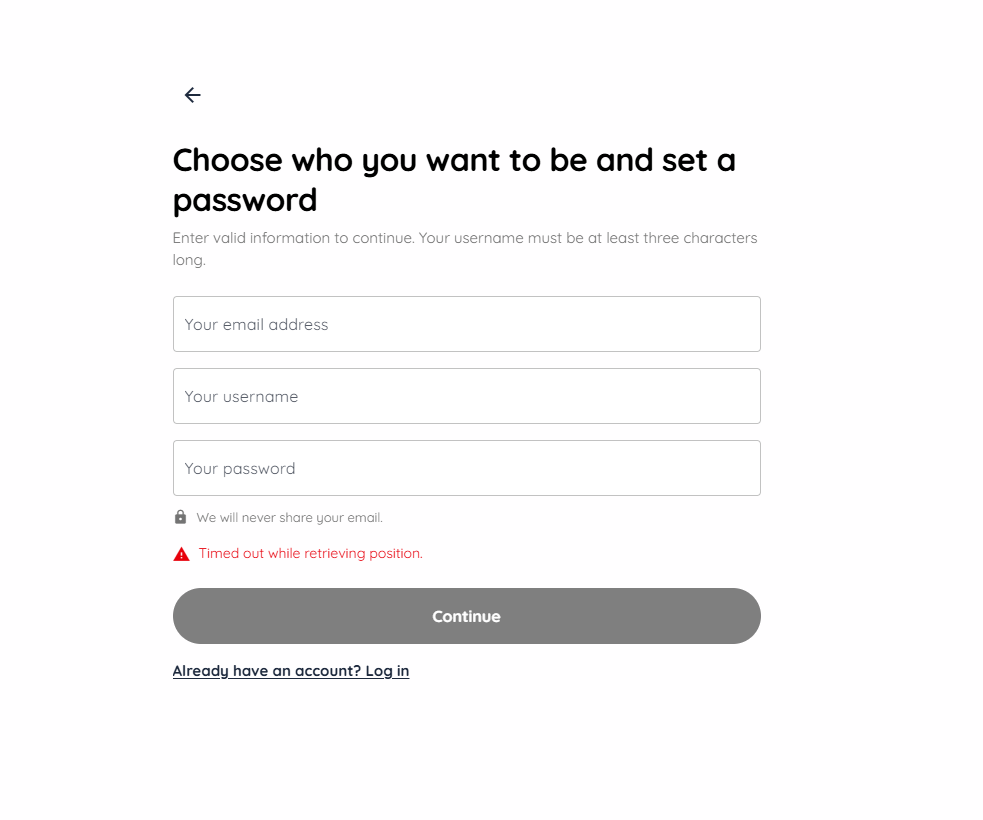
- Enter your email address and a secure password.
- Choose a unique username visible to other members.
- Select your profile type (single or couple).
- Indicate your gender, orientation and date of birth (18+ only).
- Confirm the verification email received after registration to activate your account.
2
Log in to Qupidr
Once your account is created and verified, log in from the login page.
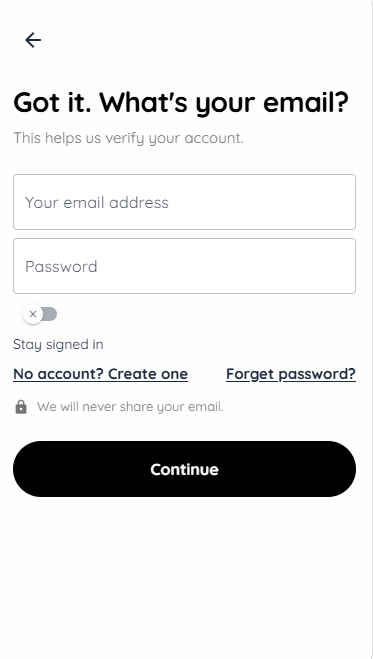
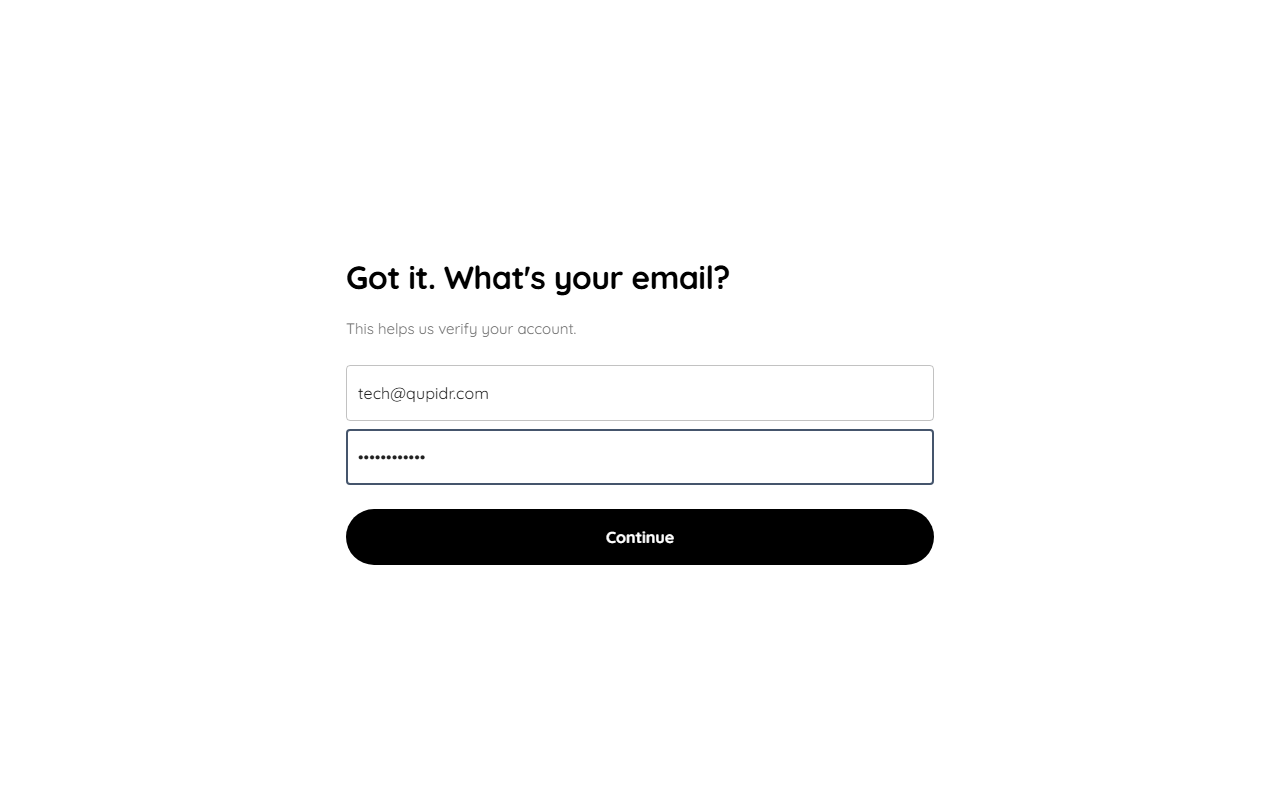
- Enter your email and password.
- Click "Log in".
- You are automatically redirected to your dashboard.
3
Forgot your password? Recovery
If you forgot your password, use the recovery feature available on the login page.
- Click "Forgot password" from the login page.
- Enter your registered email address.
- You will receive a reset link valid for 24 hours.
- Set your new password and log back in.
4
Email verification
After registration, a verification email is sent to the address you provided.
- Check your inbox (and spam folder if needed).
- Click the confirmation link in the message.
- Your account is immediately activated.
- Without confirmation, some features remain limited.