
event
Events
Join or organize events to meet members outside the app, safely.
1
Discover events near you
The Events page lists all upcoming events, created by members or by Qupidr.
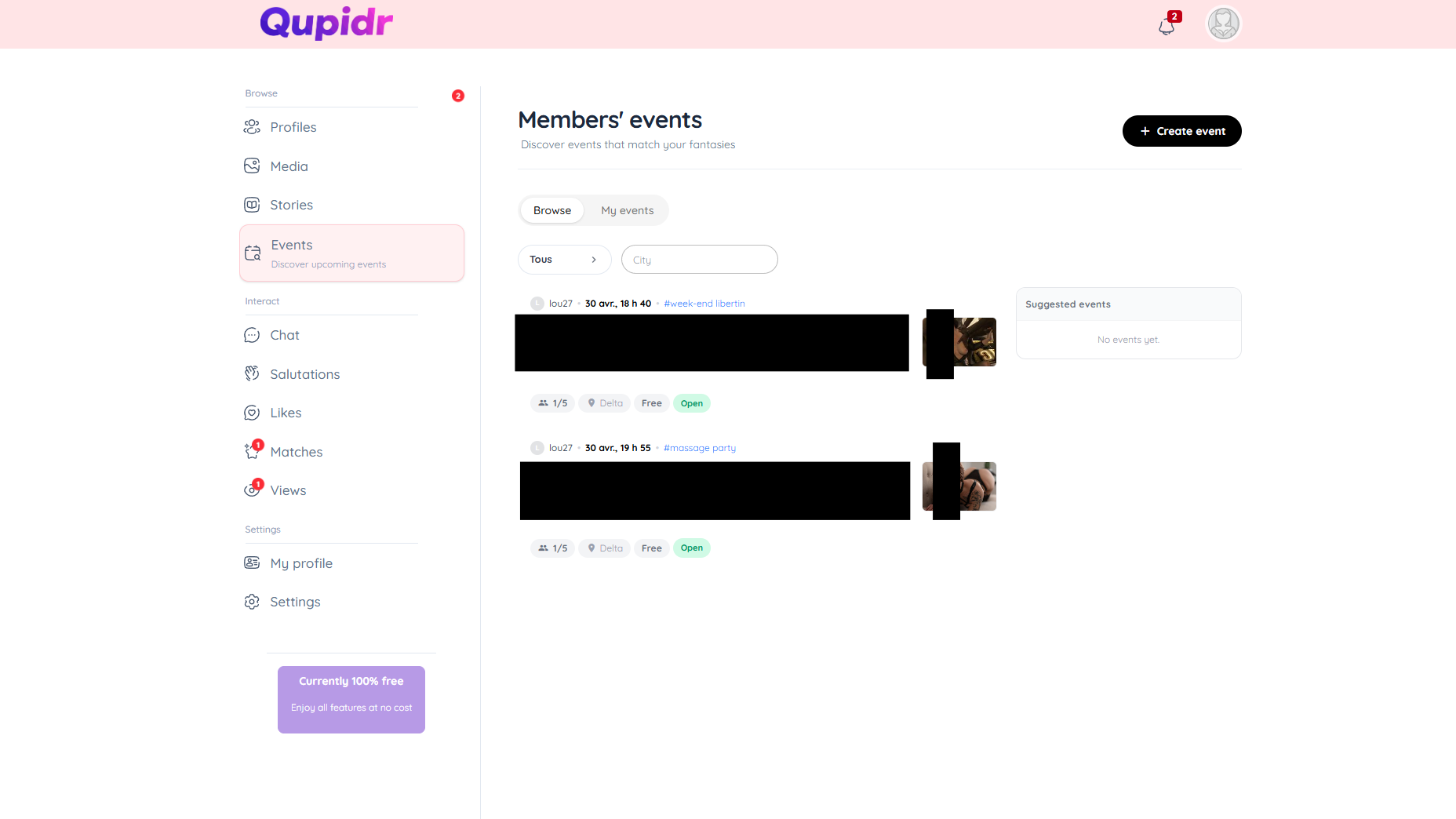
- Filter by date, distance or category.
- Click on an event to see full details.
- View the list of participants before joining.
2
Join an event
From the event detail page, join with one click.
- Click "Join".
- You appear in the participants list.
- You will receive reminders before the event.
3
Create an event near you
Organize your own meetup from the creation page.
- Give your event a title, description and address.
- Set the date, time and maximum number of participants.
- Add an illustration photo.
- Publish: other members can now join you.
4
Manage participants
Find all the events you created in "My events".
- Edit or cancel an event at any time.
- View the list of registered participants.
- Participants are notified of any changes.
- Share the event link to invite more members.