
auto_stories
Stories
Post ephemeral stories to attract the attention of other members. They automatically disappear after 24 hours.
1
View member stories
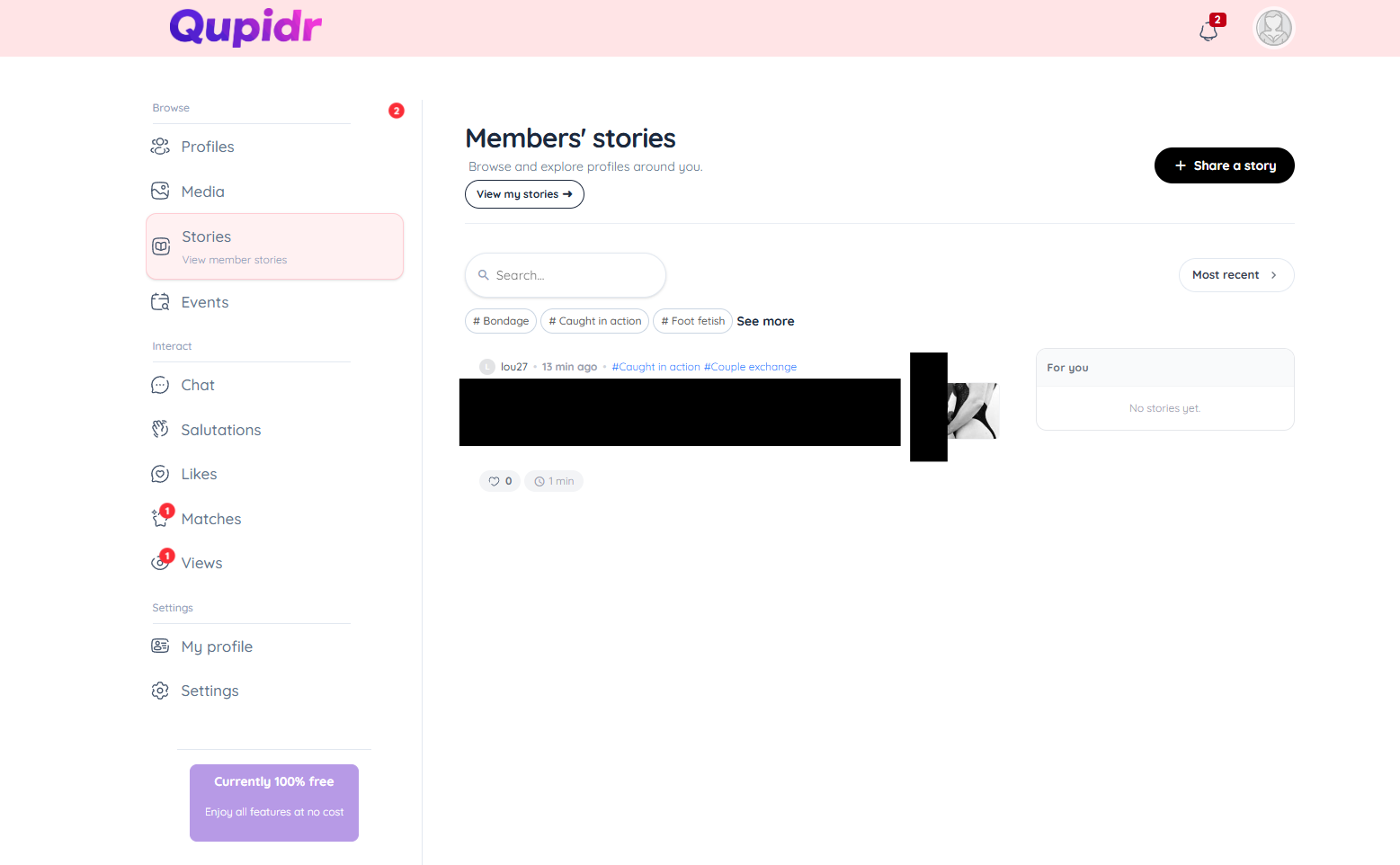
The Stories page displays recent stories from active members.
- Avatars with a colored border indicate an available story.
- Click on an avatar to view the story full screen.
- Navigate between stories with arrows or a tap.
2
Post your first story
Share a moment from the "Share a story" page.
- Select a photo or video from your gallery.
- Optionally add text or an emoji.
- Confirm: your story is immediately visible.
- It automatically expires after 24 hours.
3
Story lifespan
View and manage your published stories from "My stories".
- See how many people have viewed each story.
- Delete a story before it expires if needed.
- Stories automatically expire after 24 hours without any action from you.
4
Who viewed my story?
From a member's profile, access all their active stories directly.
- Open your story from "My stories".
- View the list of members who have seen it.
- Post regularly to increase your visibility in the app.