
photo_library
Media
Share private photos and videos with members of your choice. Keep full control over who can see your content.
1
Browse member media
The "Member media" section lets you view shared content based on each member's privacy settings.
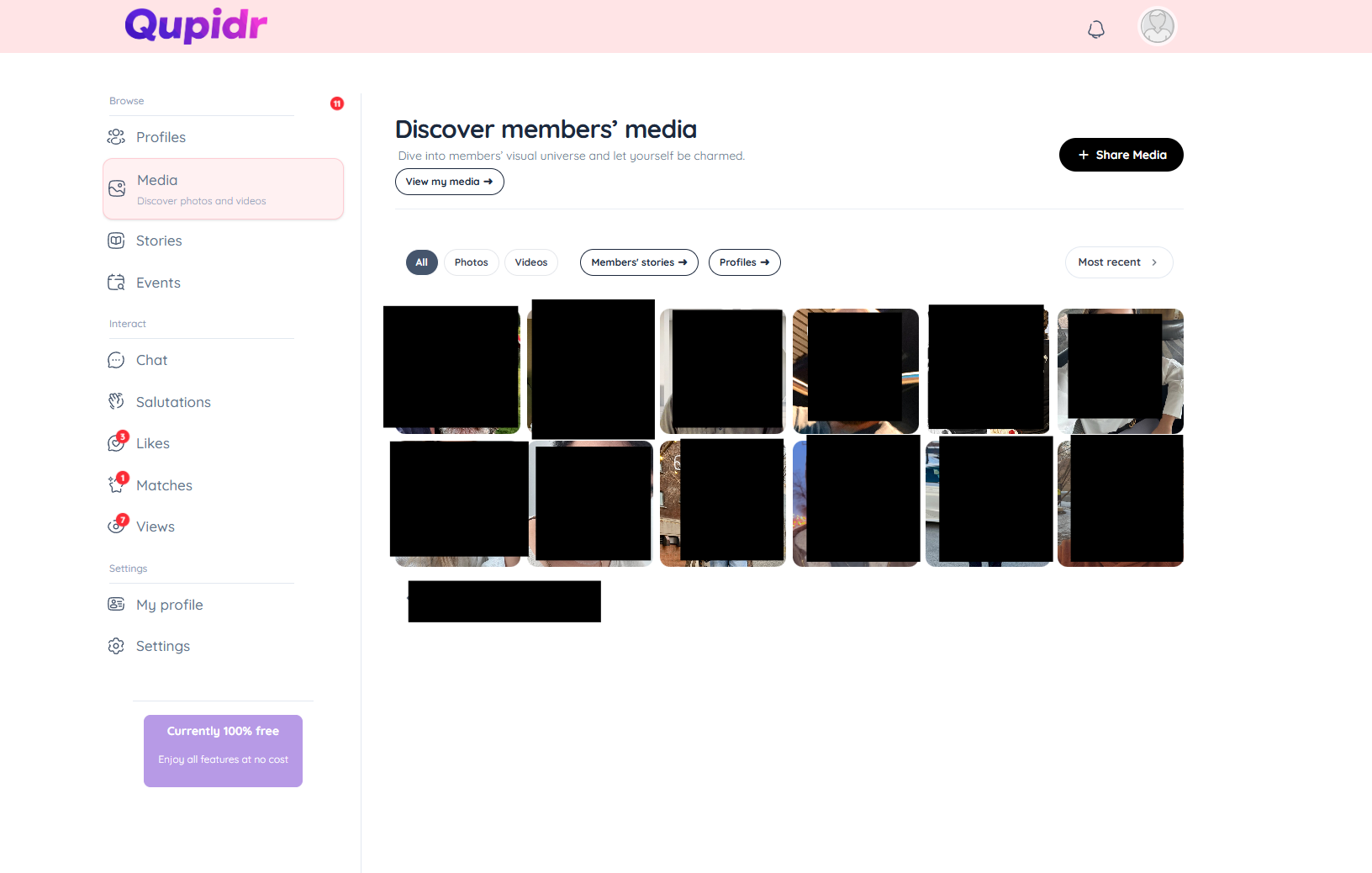
- Public media is visible directly.
- Private media requires an access request to the member.
- Click on a thumbnail to open the media in full screen.
2
Manage your personal media
Manage your own media gallery from the "My media" section.
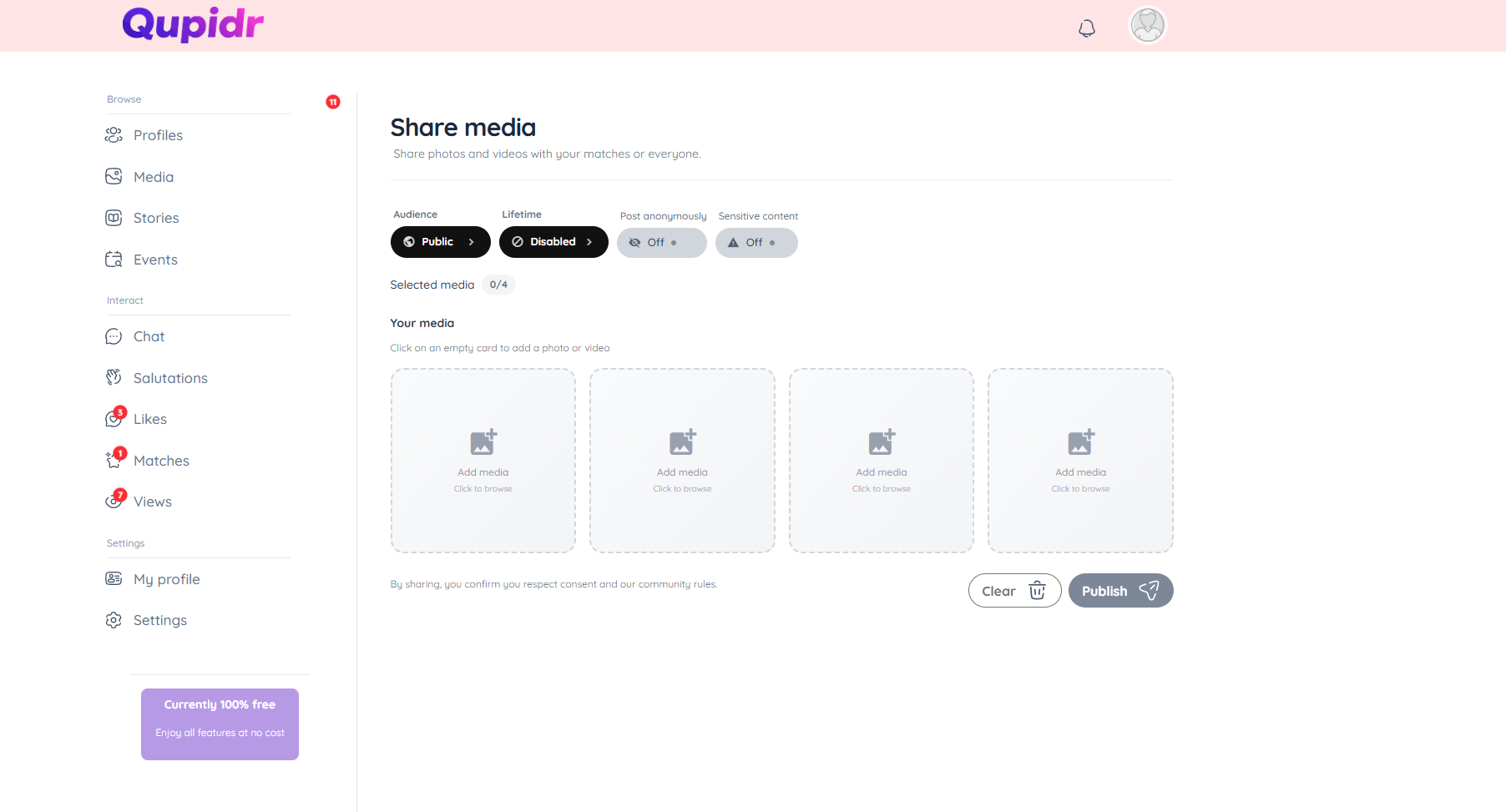
- Add photos or videos from your device.
- Set each media as public or private.
- Delete or reorder your media at any time.
4
Media visibility settings
When a member requests access to your private media, you are notified and can accept or decline.
- Accept: the member will have access to all your private media.
- Decline: the member will not be able to see your private media.
- You can revoke access at any time in your settings.