
chat_bubble
Messaging
Chat in real time with your matches and everyone you have started a conversation with.
1
Send your first message
The Discussions page lists all your active conversations, sorted by last message date.
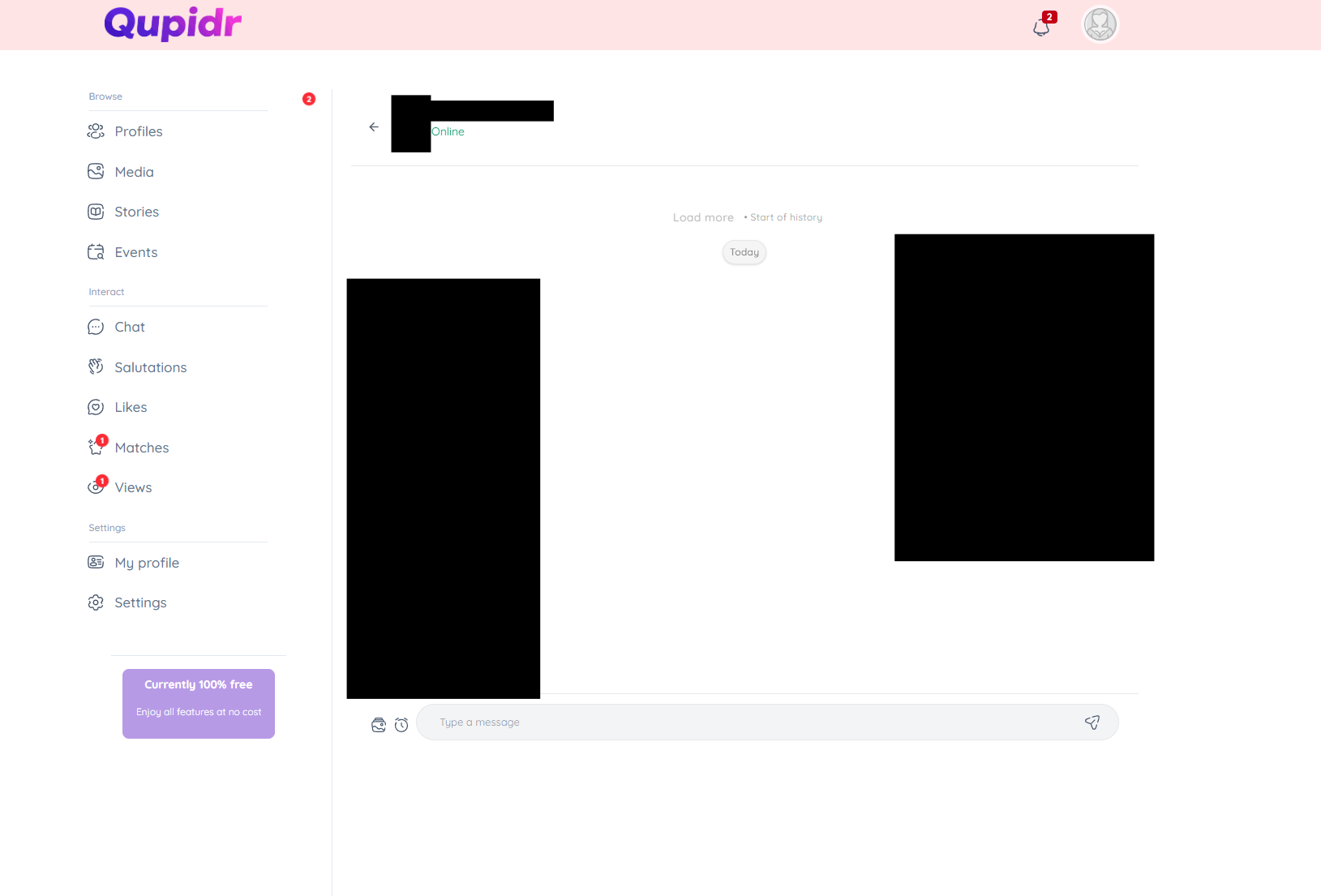
- A preview of the last message is shown under each name.
- Unread conversations are highlighted.
- Online / offline status is visible.
2
How ephemeral messages work
Click on a conversation to open it. A full real-time chat is displayed.
- Type your message in the field at the bottom and send with Enter or the ➤ button.
- Messages are delivered instantly via WebSocket.
- Read receipts (read / received) appear below your messages.
- Share emojis to make the conversation livelier.
3
Delete a conversation
You can delete a conversation from the discussions list.
- Swipe the conversation or use the context menu.
- Deletion is permanent on your side.
- The history remains visible to the other member.
4
Message notifications
You can start or resume a conversation directly from the Matches page or from a profile.
- Enable notifications to never miss a message.
- If you haven't matched yet, like the profile first.
- Once the match is confirmed, messaging unlocks automatically.