
favorite
My Matches
A match occurs when two members like each other. Find all your matches in one place.
1
See who matched with you
Access the Matches page from the menu. You will find all your current matches there.
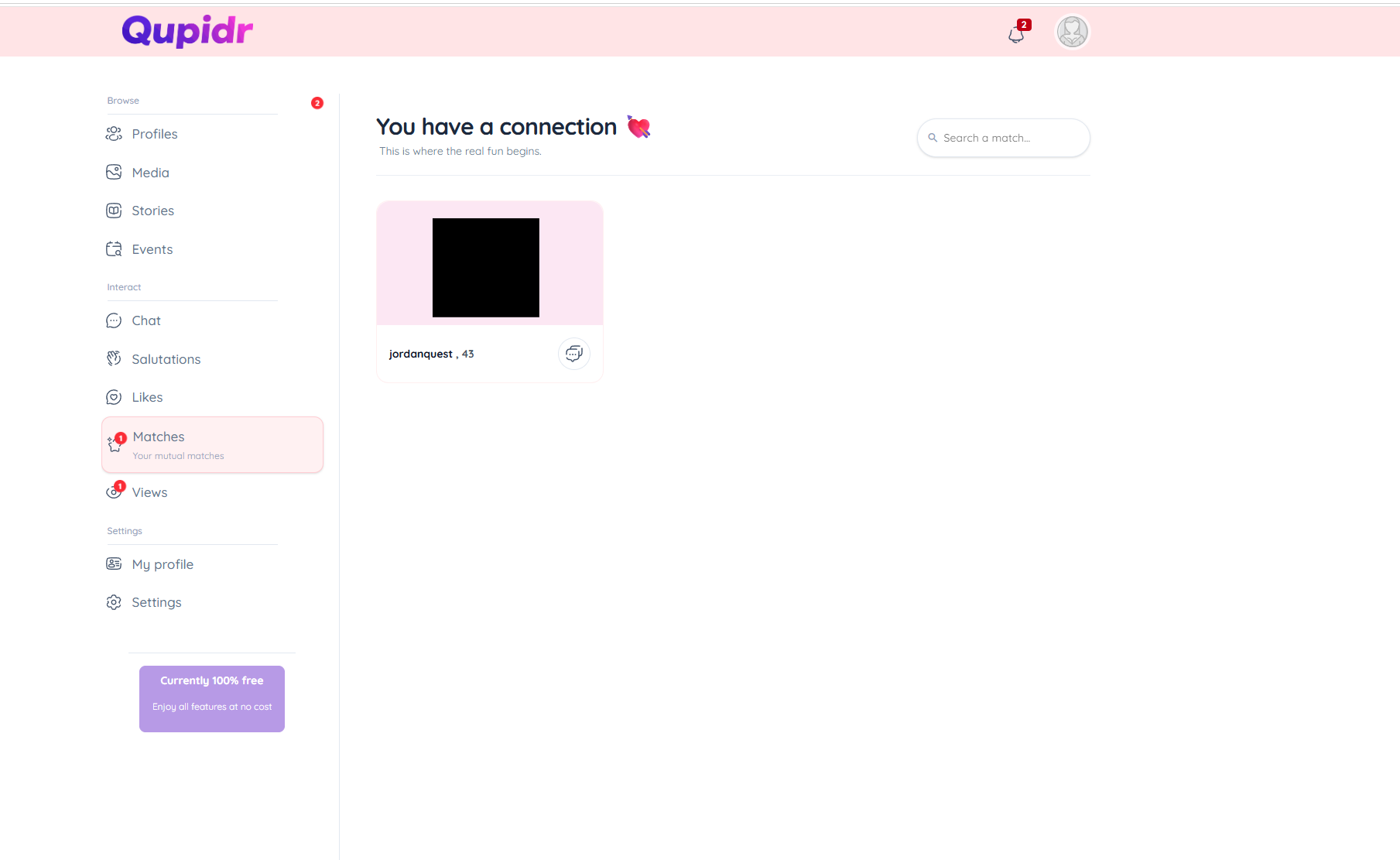
- Each card shows the photo, first name and date of the match.
- New matches appear first.
- A badge indicates if a message is already in progress.
2
Start a conversation
From the matches page, click on a profile to open the conversation directly.
- You are redirected to the messaging with this member.
- Send your first message to break the ice.
- If you don't have a match yet, go like some profiles first.
3
Understanding the matching system
When a new match occurs, you receive a real-time notification.
- A push notification appears as soon as a new match is created.
- Messaging unlocks automatically after the match.
- Never miss an opportunity with instant alerts.
4
What to do after a match?
Congratulations! A match is the beginning of a new connection. Here are the next steps.
- Open the conversation from the Matches page.
- Send a friendly first message or a salutation.
- View the member's full profile to learn more.
- Suggest continuing the conversation outside the app via an event.